

|
Getting your Trinity Audio player ready...
|
KiCad: The Open-Source PCB Design Tool That's Changing the Game
Exploring KiCad: A Comprehensive Guide to PCB Design Software
In the world of electronics design, the importance of choosing the right PCB (Printed Circuit Board) CAD (Computer-Aided Design) software cannot be overstated. One tool that has been making waves, especially among hobbyists, engineers, and educators, is KiCad. This open-source software offers a powerful suite for designing PCBs without the cost of proprietary alternatives. In this post, we will explore what KiCad is, its features, how to get started, and tips for maximising your experience.

What is KiCad?
KiCad is a free and open-source PCB design software suite developed and maintained by community contributors and supported by KiCad’s official website at kicad.org (https://www.kicad.org). Since its inception in the early 1990s, it has evolved significantly, becoming a robust platform for designing complex circuit boards. The software is compatible with various operating systems, including Windows, macOS, and Linux, making it accessible to a wide range of users.
Key Features of KiCad
1. Ease of Use
KiCad’s user-friendly interface allows new users to ramp up quickly. The layout employs a logical workflow that guides users from schematic design to PCB layout seamlessly. The integration of schematic capturing and PCB layout tools within a single application is a significant advantage, minimising the need for external tools and formats.
2. Schematic Editor
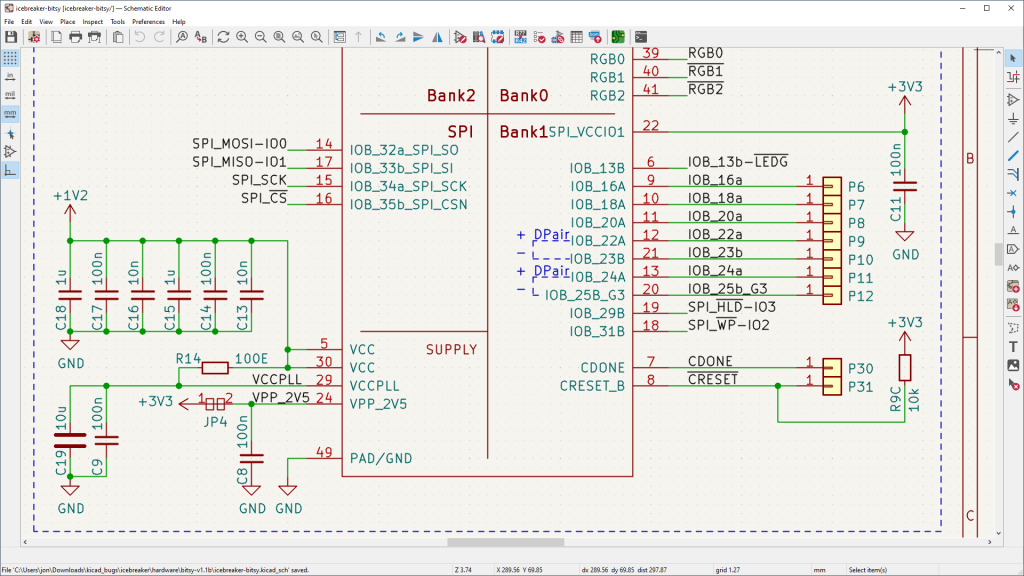
The schematic editor in KiCad allows users to create and edit circuit diagrams easily. It supports hierarchical designs and features like netlisting, automatic electrical rule checking (ERC), and an extensive library of components. The ability to annotate components and manage design reuse efficiently makes it a favourite for both simple and advanced projects.
3. PCB Editor
The PCB editor offers powerful design capabilities, including support for multiple layers, interactive routing, and design rule checking (DRC). Users can visualize their designs in 3D using the built-in viewer, helping to spot potential problems before production. There are also options for adjusting trace widths, adding vias, and utilising advanced design techniques like differential pairs and zones.

4. Library Management
KiCad excels in library management, with a vast collection of integrated symbols and footprint libraries. Users can also create custom libraries or modify existing ones to fit their specific needs. The “Library Editor” provides a straightforward way to manage components and maintain coherence in design files.
5. Community and Support
Being open-source, KiCad is supported by an active community. Users can access forums, mailing lists, and documentation to seek help or share knowledge. Regular updates come from both users and contributors, ensuring that the software evolves with the changing demands of electronics design.
Getting Started with KiCad
Step 1: Downloading and Installation
Downloading KiCad is straightforward. Head over to kicad.org (https://www.kicad.org/download/) and choose the version that suits your operating system. Follow the installation instructions, and you’ll be ready to dive into PCB design.
Step 2: Familiarising Yourself with the Interface
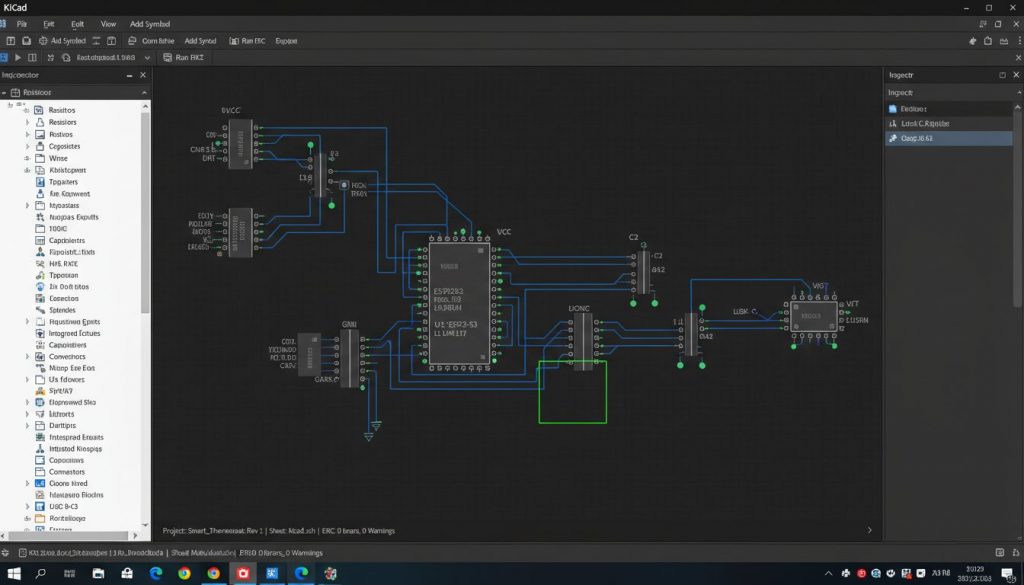
After installation, spend some time familiarising yourself with the different features and tools. Create a simple project to practice using the schematic editor and the PCB layout tool. There are plenty of tutorials available on the official website and on YouTube that can guide you through your first project.
Tips for maximising your KiCad experience
Utilise the Community – Engage with the community on forums like the KiCad.info Forum or Reddit. You can gain insights, share tips, and ask questions.
Leverage Tutorials
Take advantage of online tutorials and documentation. KiCad’s official user guide offers detailed explanations and examples that can greatly enhance your learning experience.
Experiment with Designs
Don’t hesitate to experiment with different design methodologies and components. This hands-on experience is invaluable.
Keep Libraries Updated
Regularly update your libraries to take advantage of the latest components and features added by the KiCad development team.
Conclusion
KiCad presents a rich and powerful option for anyone looking to get into PCB design. Its combination of a robust feature set, extensive community support, and zero costs makes it an appealing choice for both amateurs and professionals. Whether you’re designing your first PCB or working on complex electronics projects, KiCad is poised to meet your needs effectively. For more information and resources, visit kicad.org (https://www.kicad.org). Happy designing!